

Site Management#
View sites#
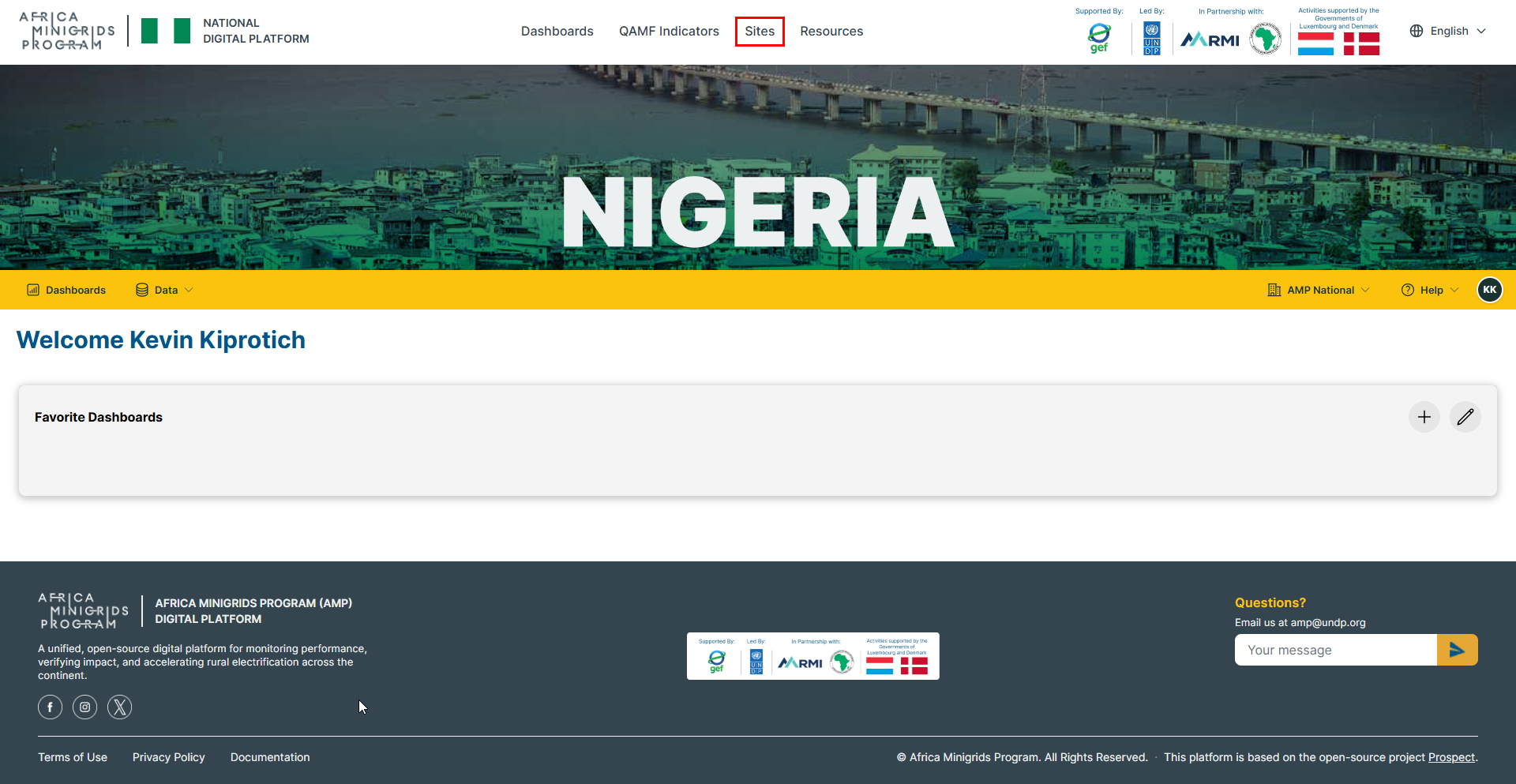
On the homepage, click
Sitesto open the sites page.
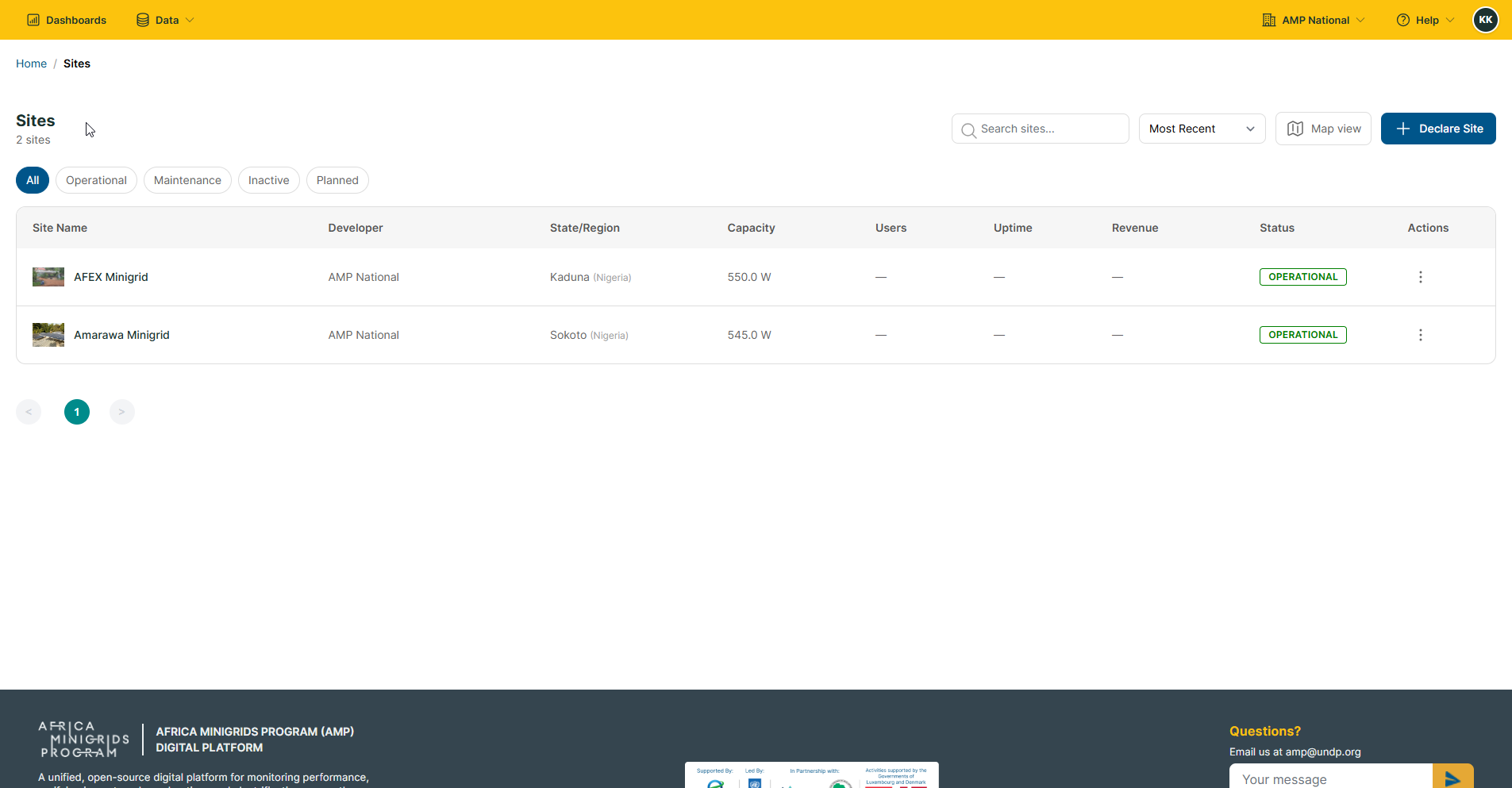
On the sites page, you will see a table that contains all the sites that have been declared.
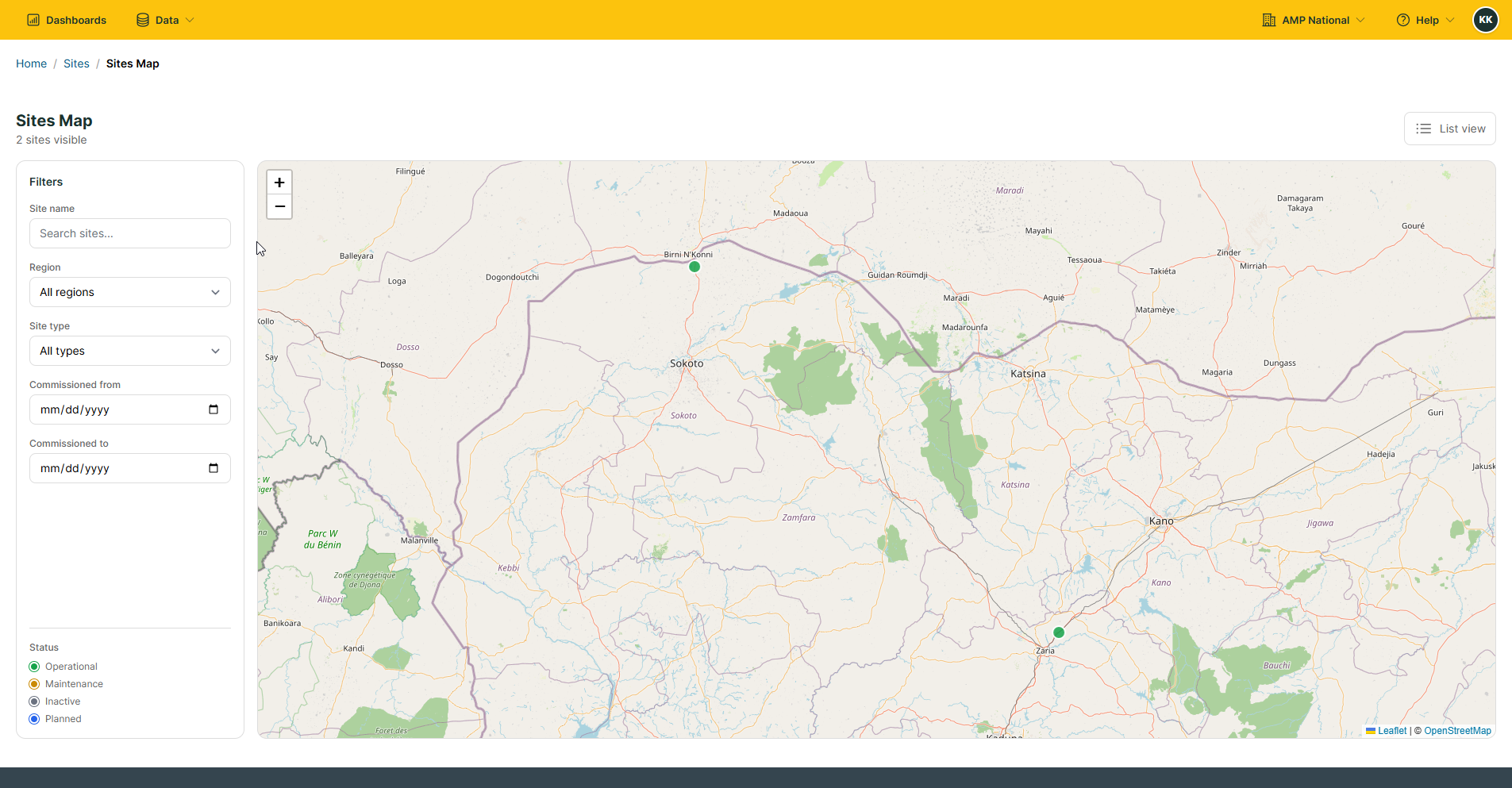
Hint
You can view the sites on a map by clicking the  button on the sites page.
Declaring a site#
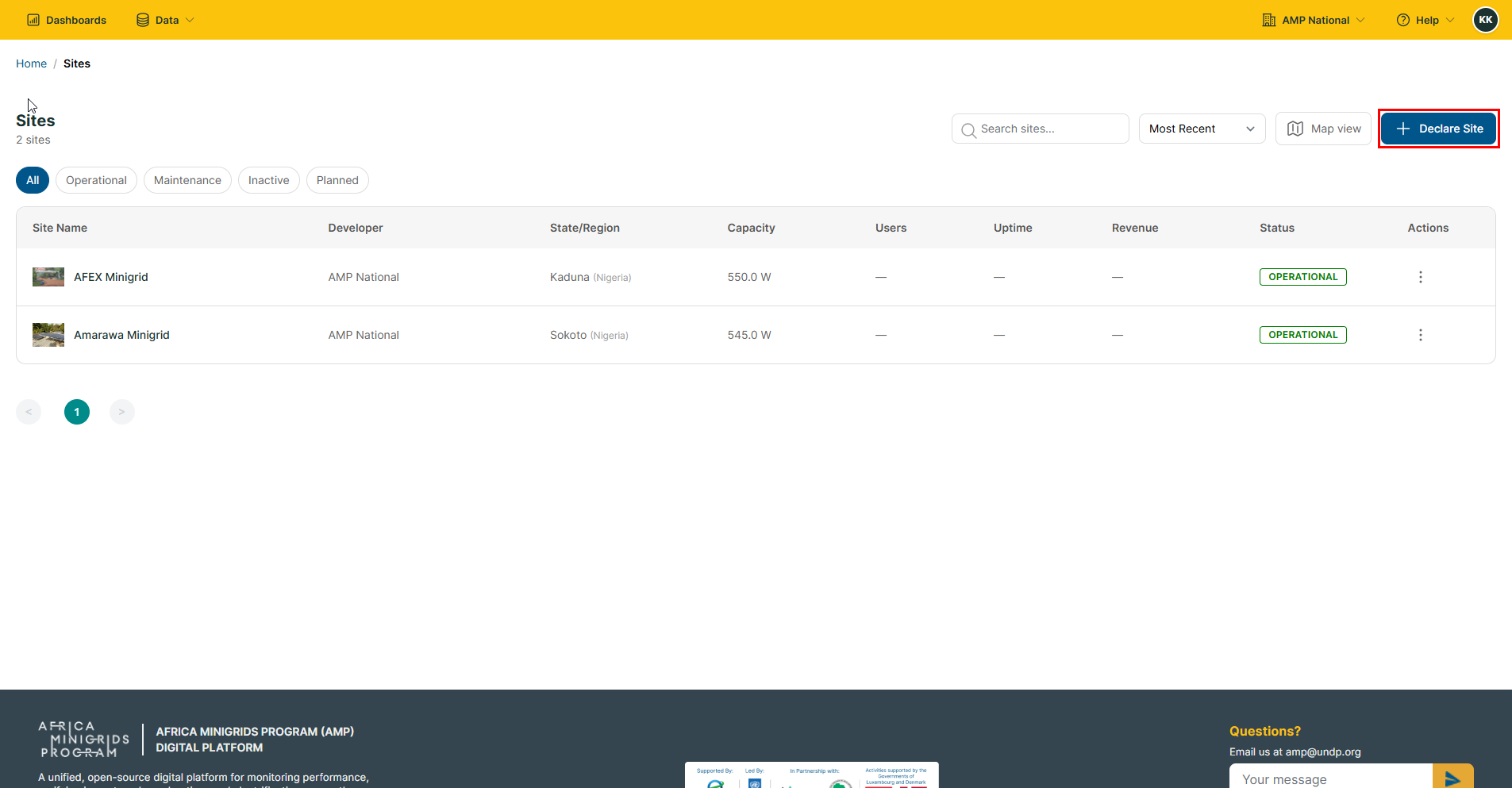
On the homepage, click
Sitesto open the sites page.
Click
 .
.
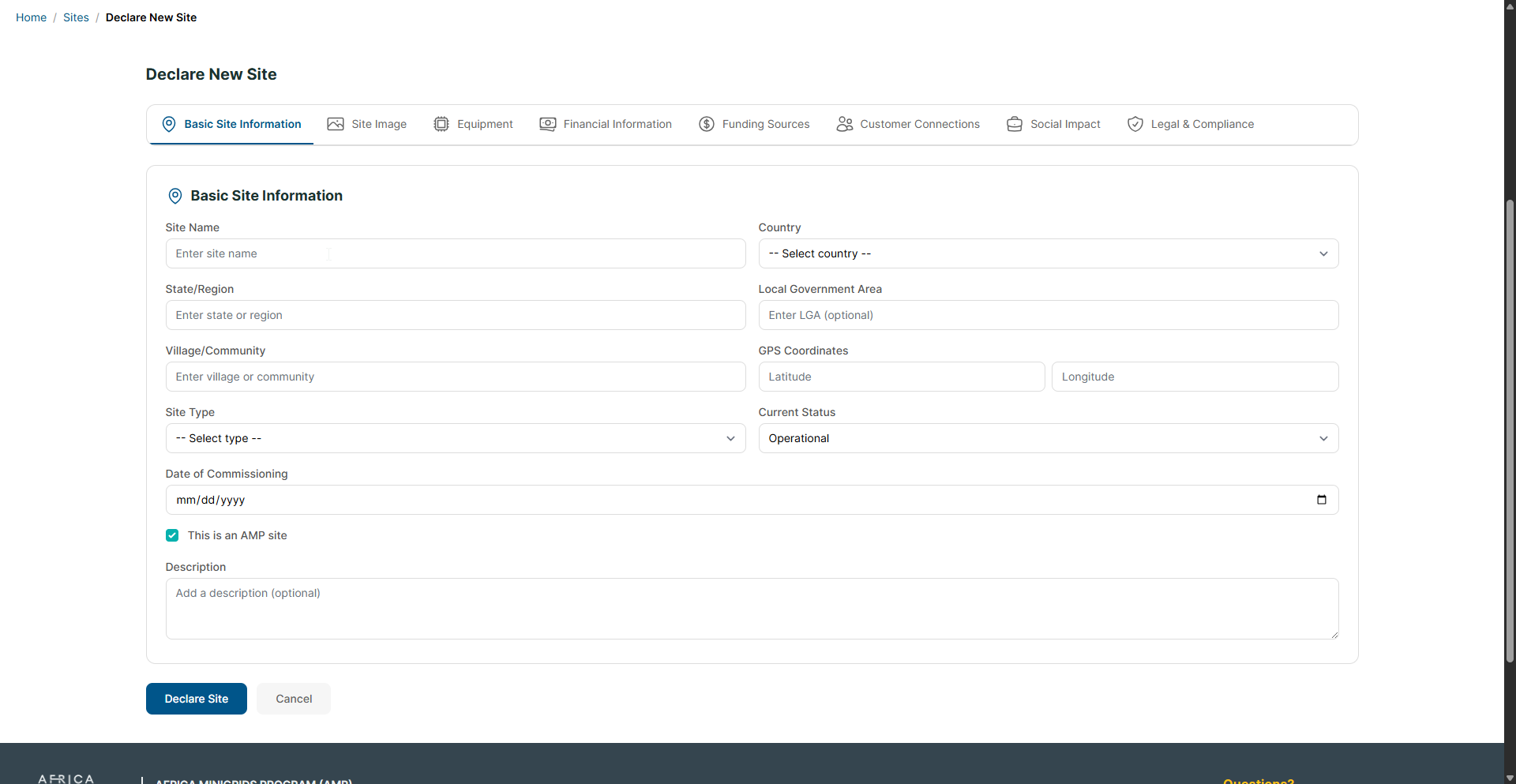
Fill in the form and click
 to declare a site.
Editing a site#
On the homepage, click
Sitesto open the sites page.
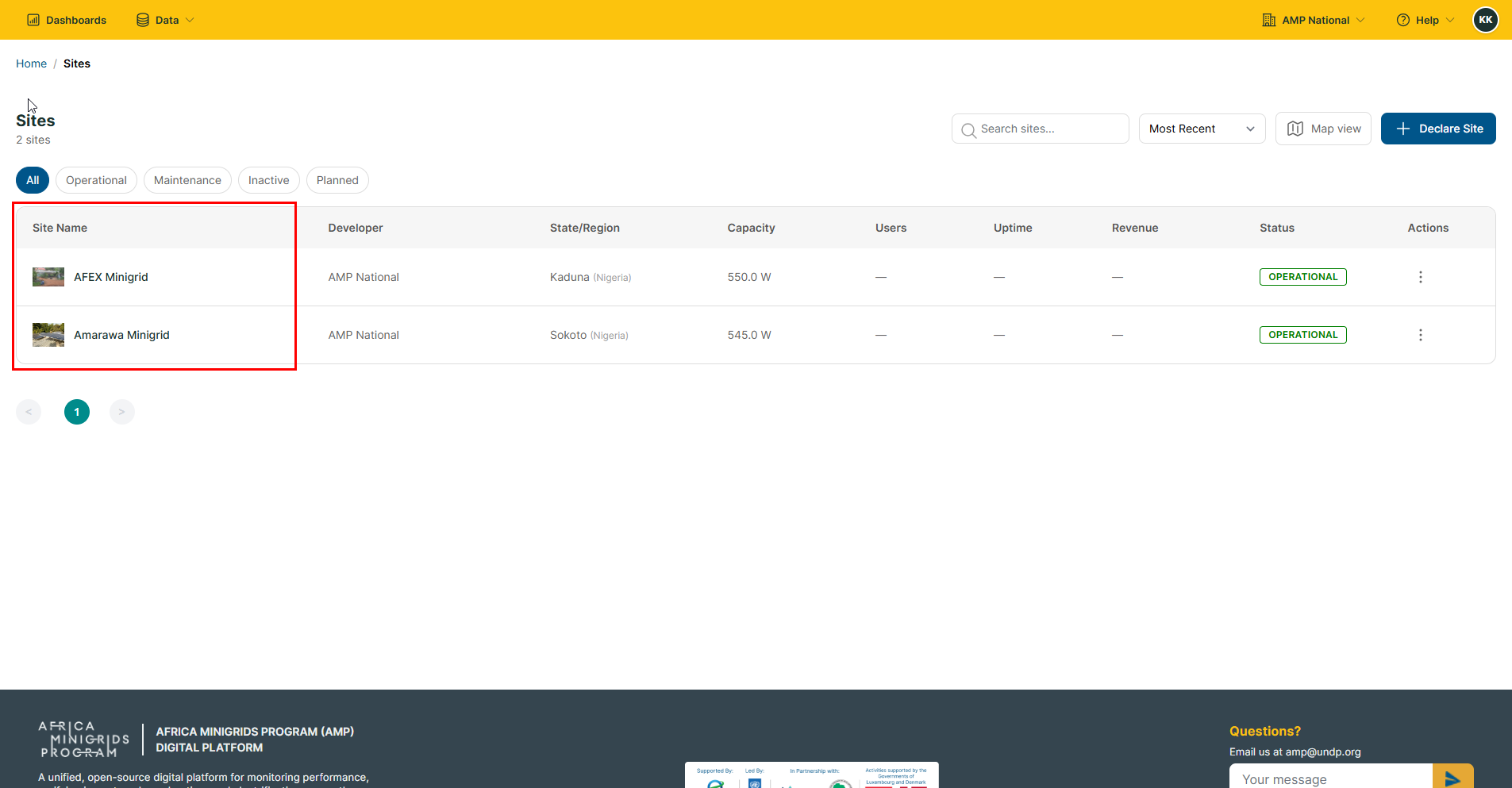
On the sites page, click the
Site Nameof the site you want to edit.
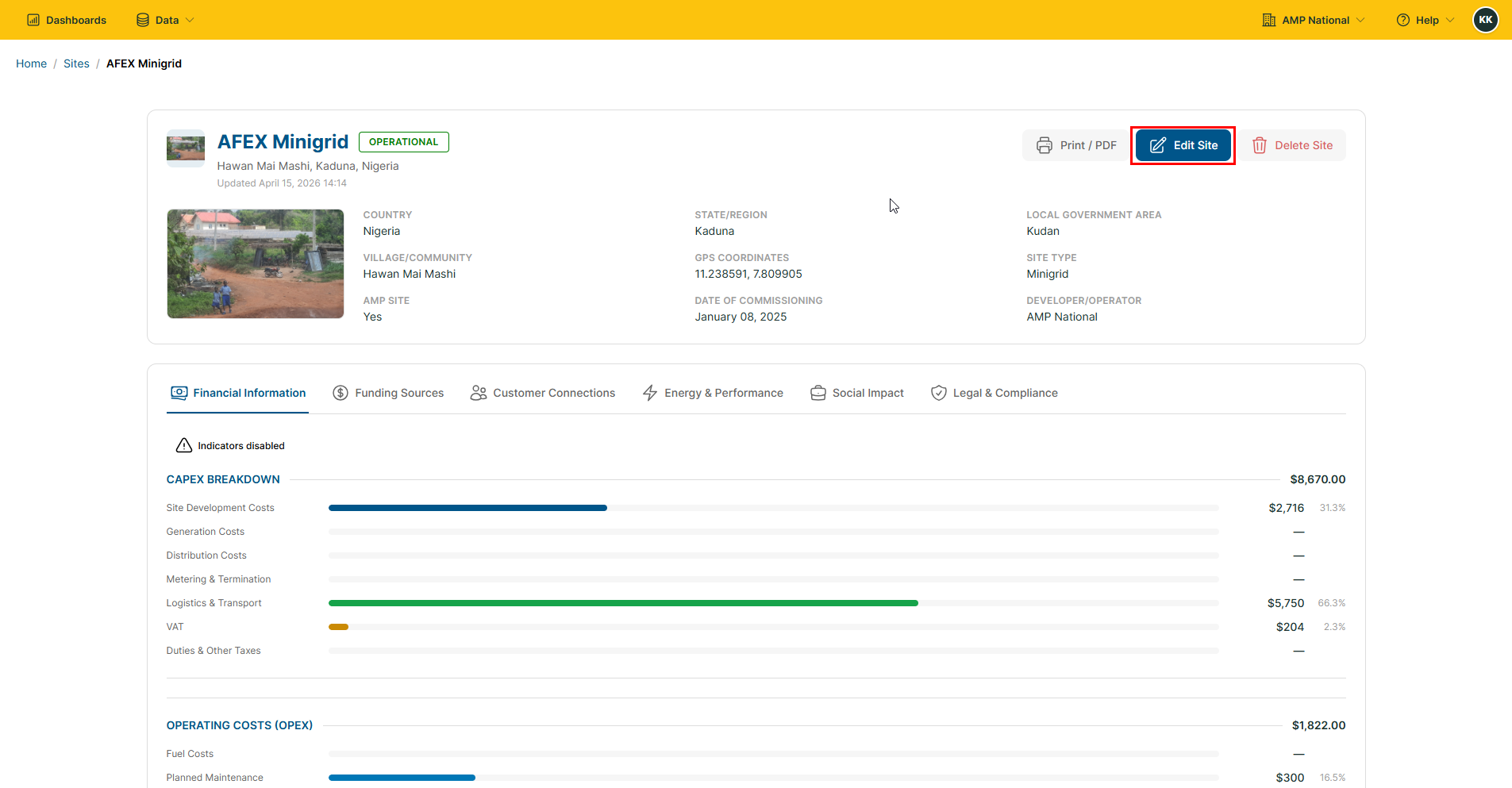
Click the
 button.
Fill in the form provided, and click
 .
.

Downloading site reports#
On the homepage, click
Sitesto open the sites page.
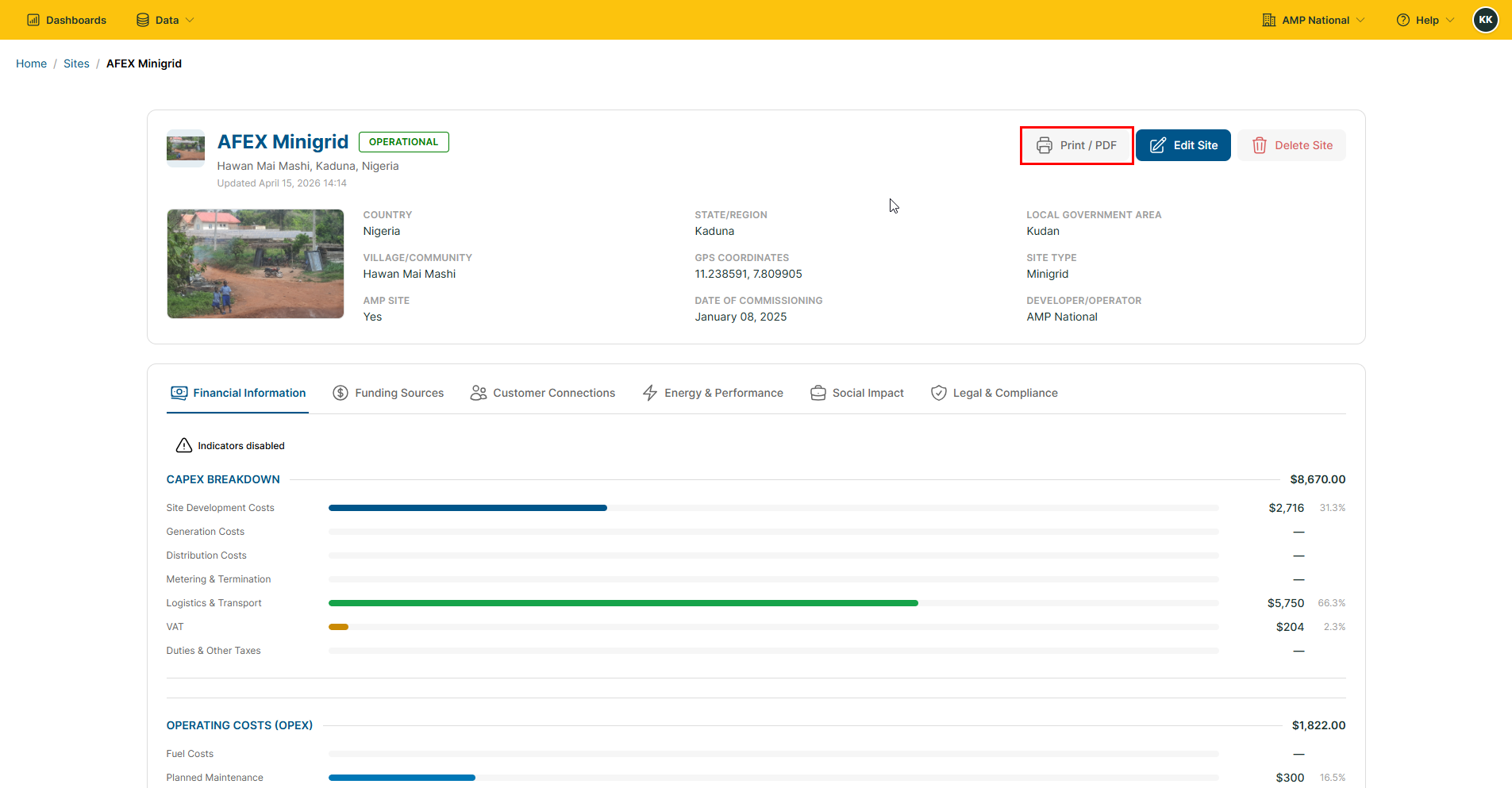
On the sites page, click the
Site Nameof the site you want to view.
Click the
 button to download the site report.
Sharing a Site#
On the homepage, click
Sitesto open the sites page.
On the sites page, click the
Site Nameof the site you want to delete.
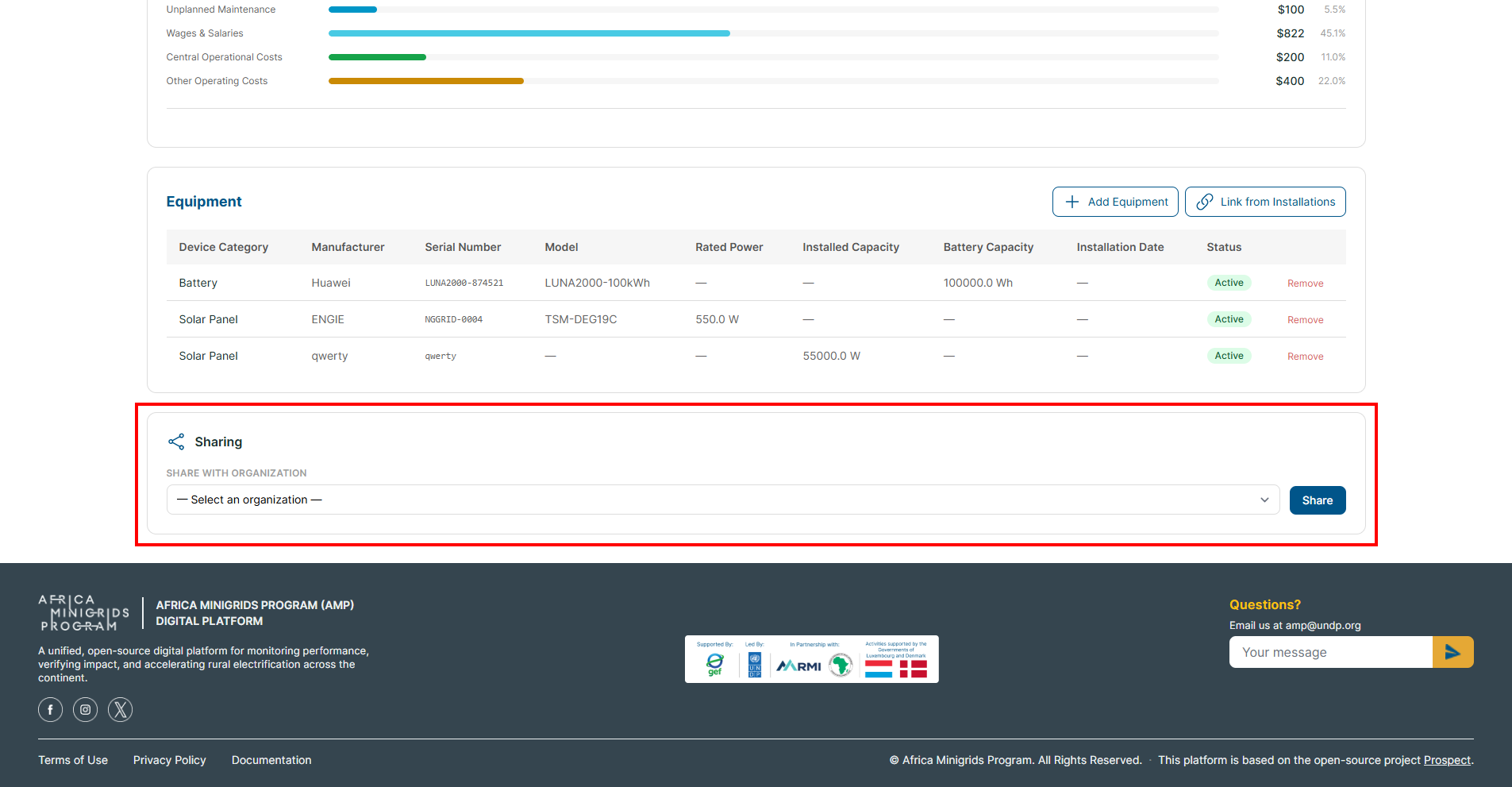
Scroll down to the bottom of the site details and on the Sharing section, select the organization with which you want to share the site and click
 .
.
Deleting a site#
On the homepage, click
Sitesto open the sites page.
On the sites page, click the
Site Nameof the site you want to delete.
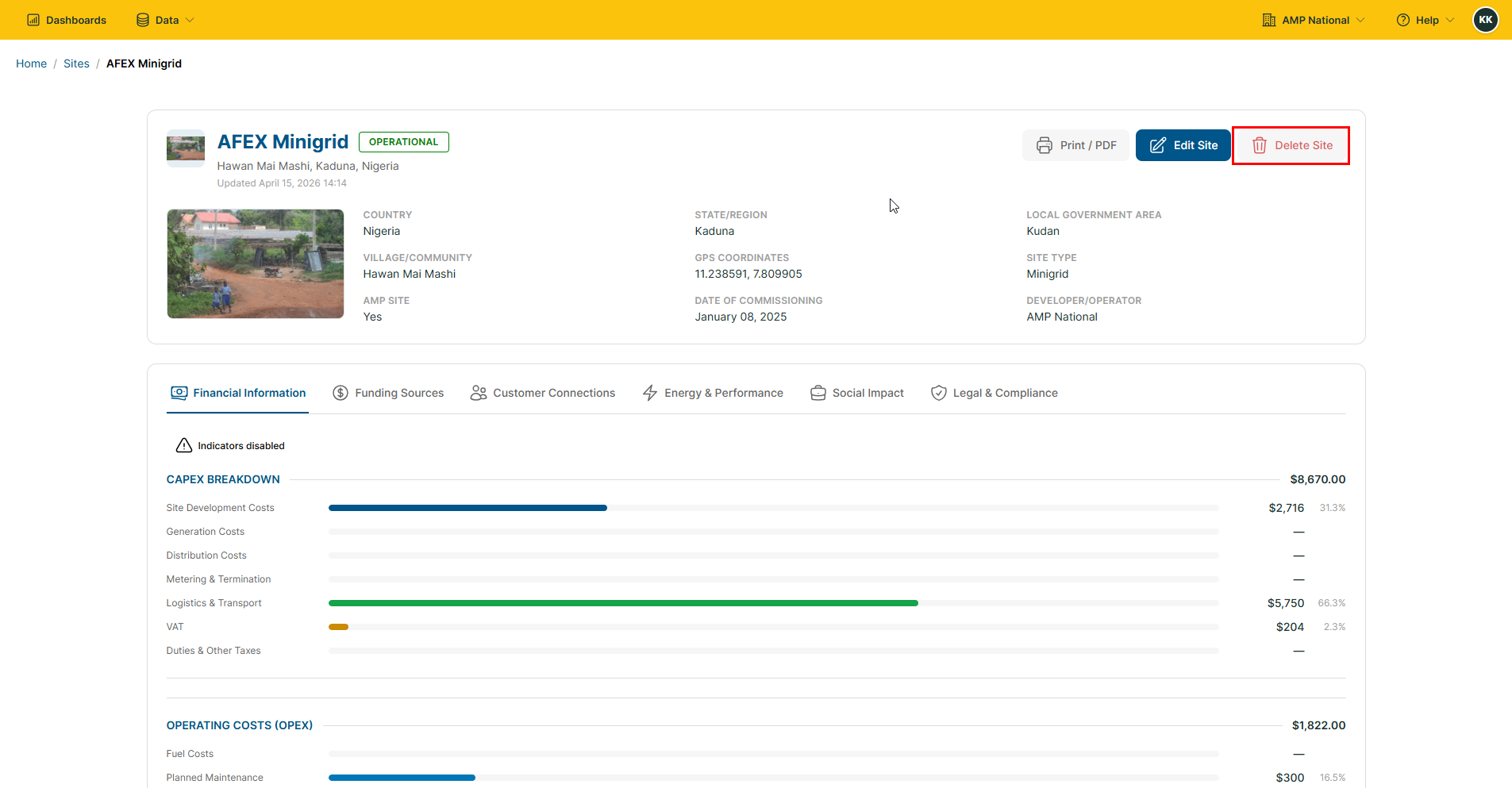
Click the
 button to delete the button