


Document Management#
Uploading Documents#
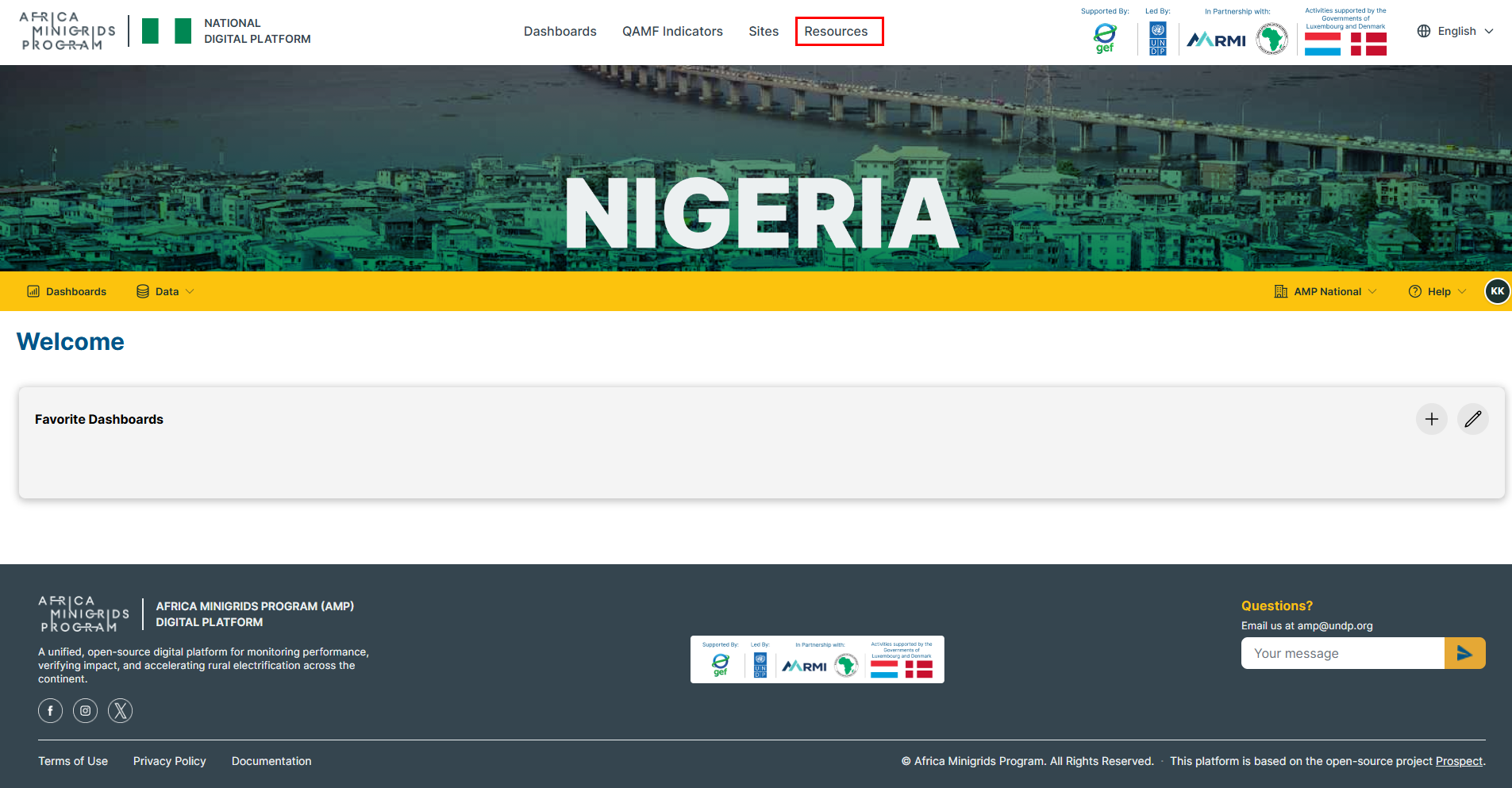
Click
Resourcesto open the documents page.
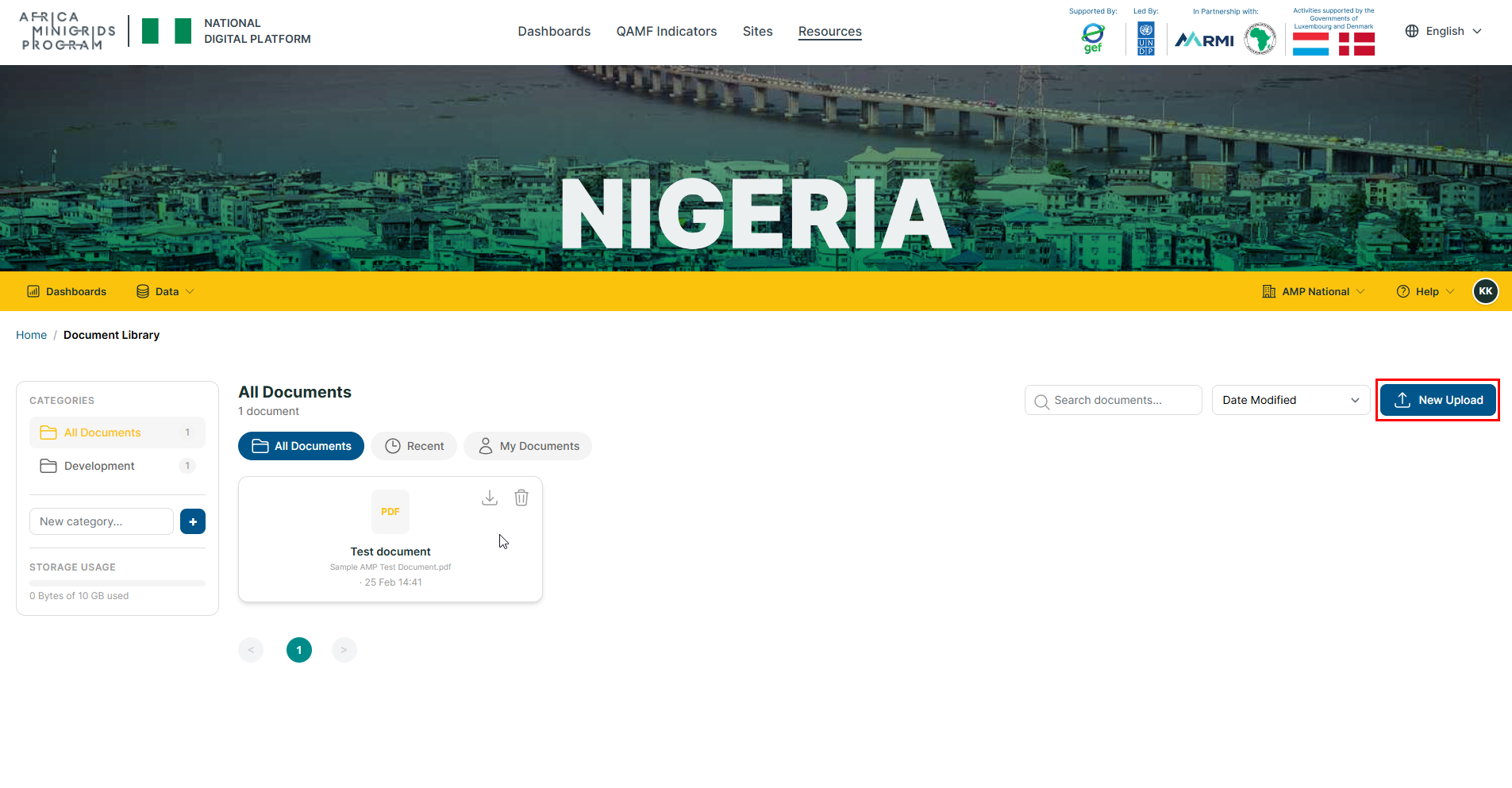
Click
New Upload
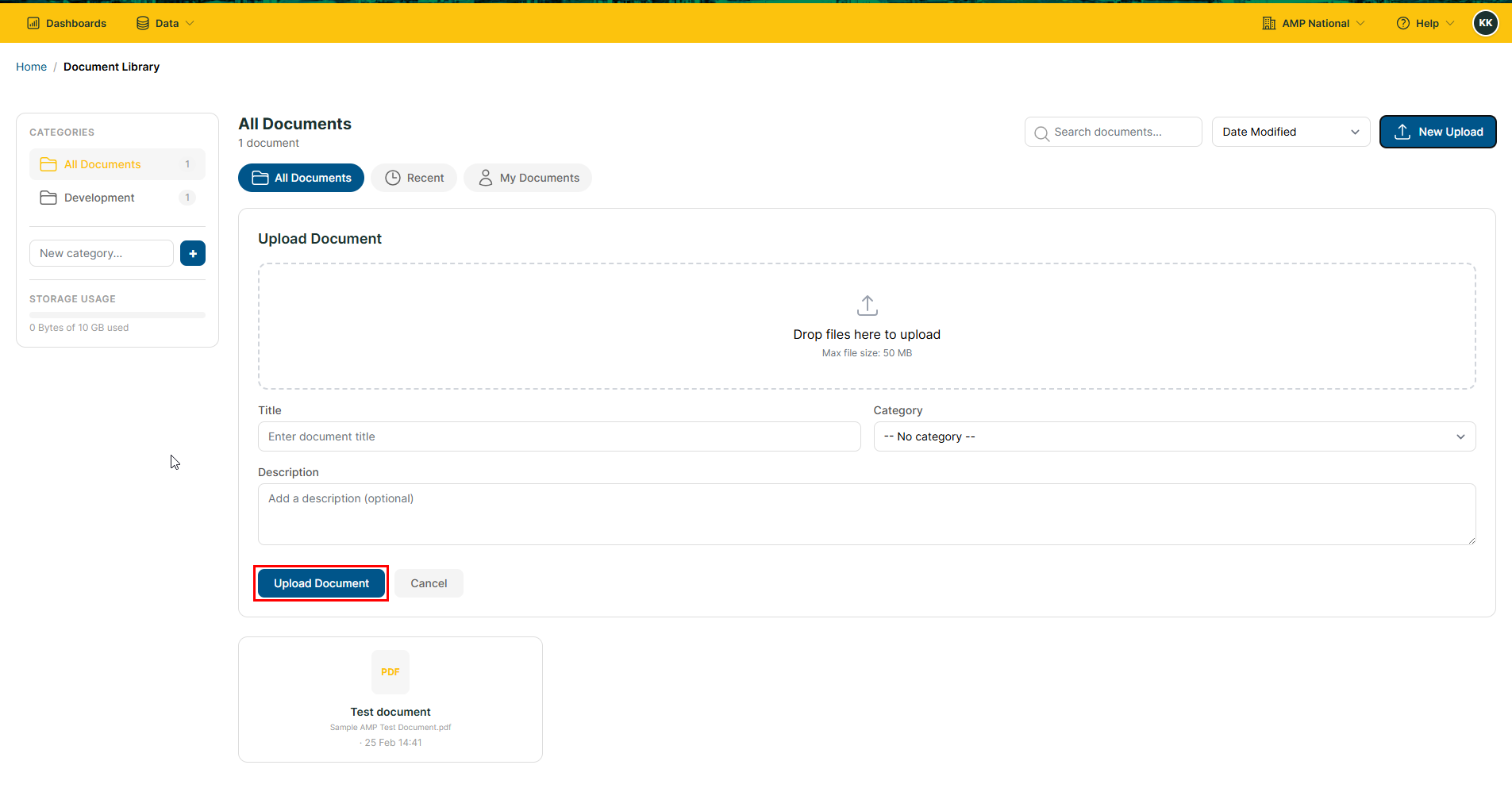
Fill the document upload form and click
Upload document.
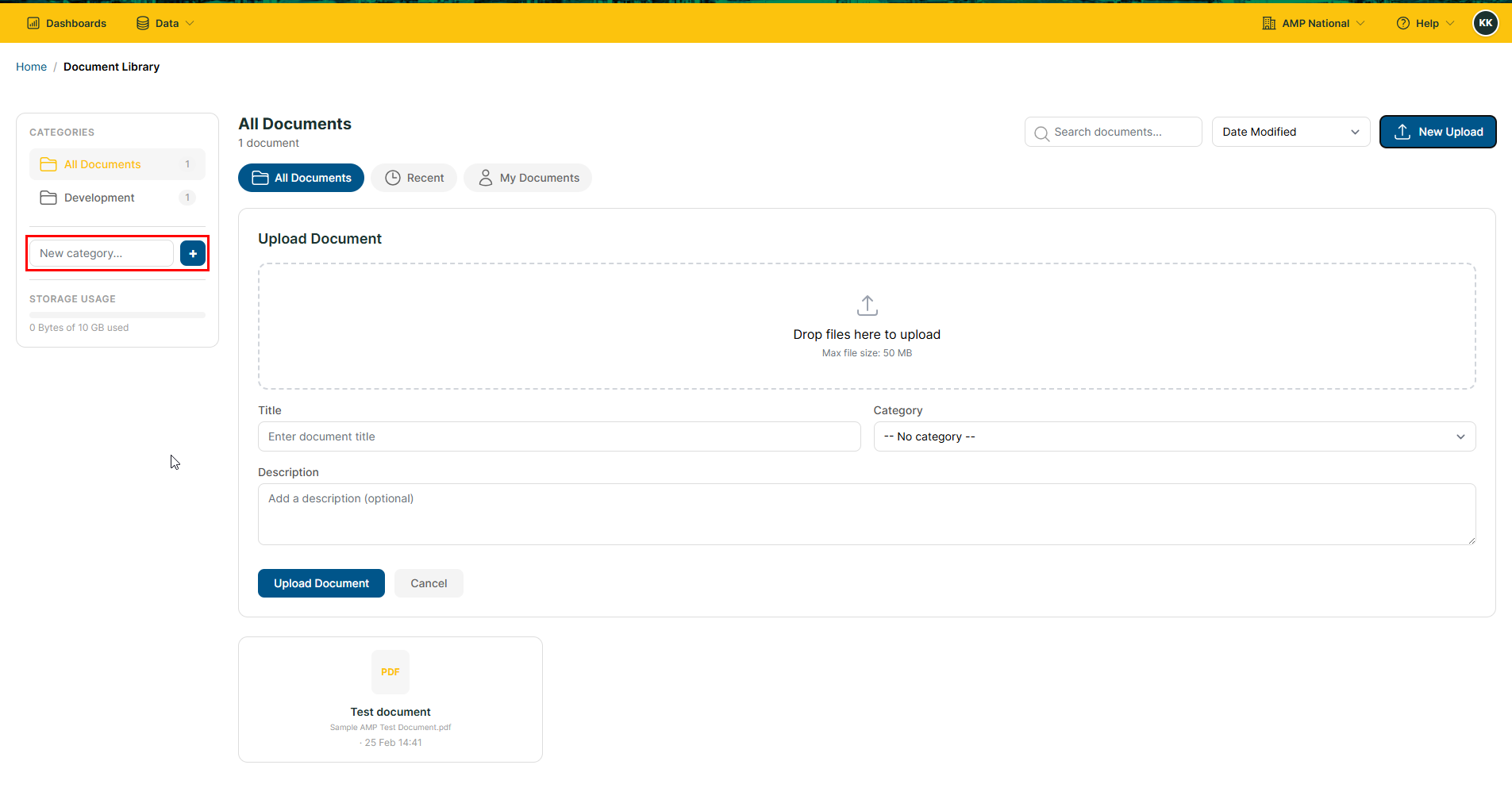
Hint
You can create categories and assign it to the documents to help group the documents.
Downloading a document#
Click
Resourcesto open the documents page.
On the documents page, hover on the document that you want to download.
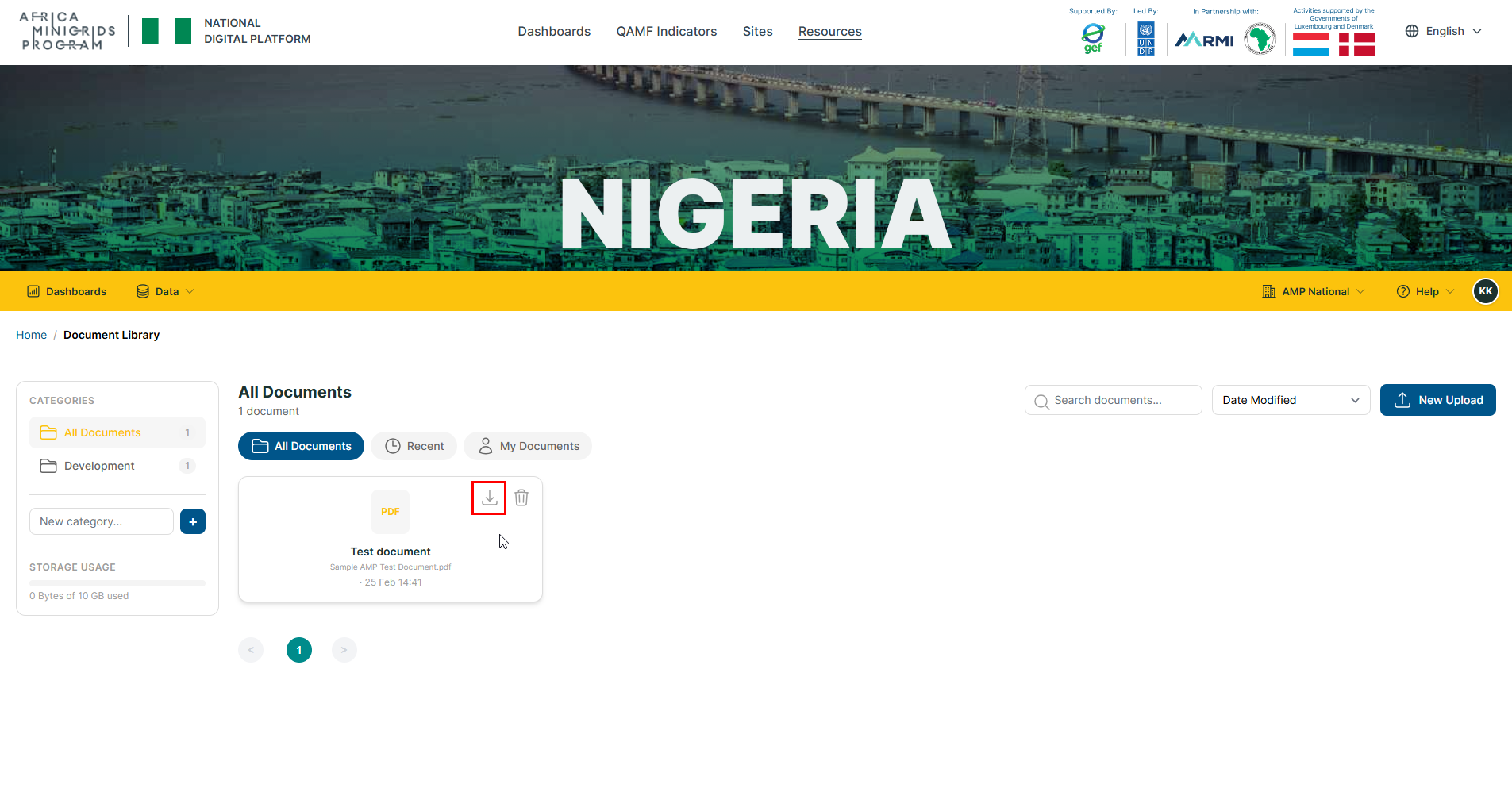
Click the download button
 , to download the document.
Deleting a document#
Click
Resourcesto open the documents page.
On the documents page, hover on the document that you want to delete.
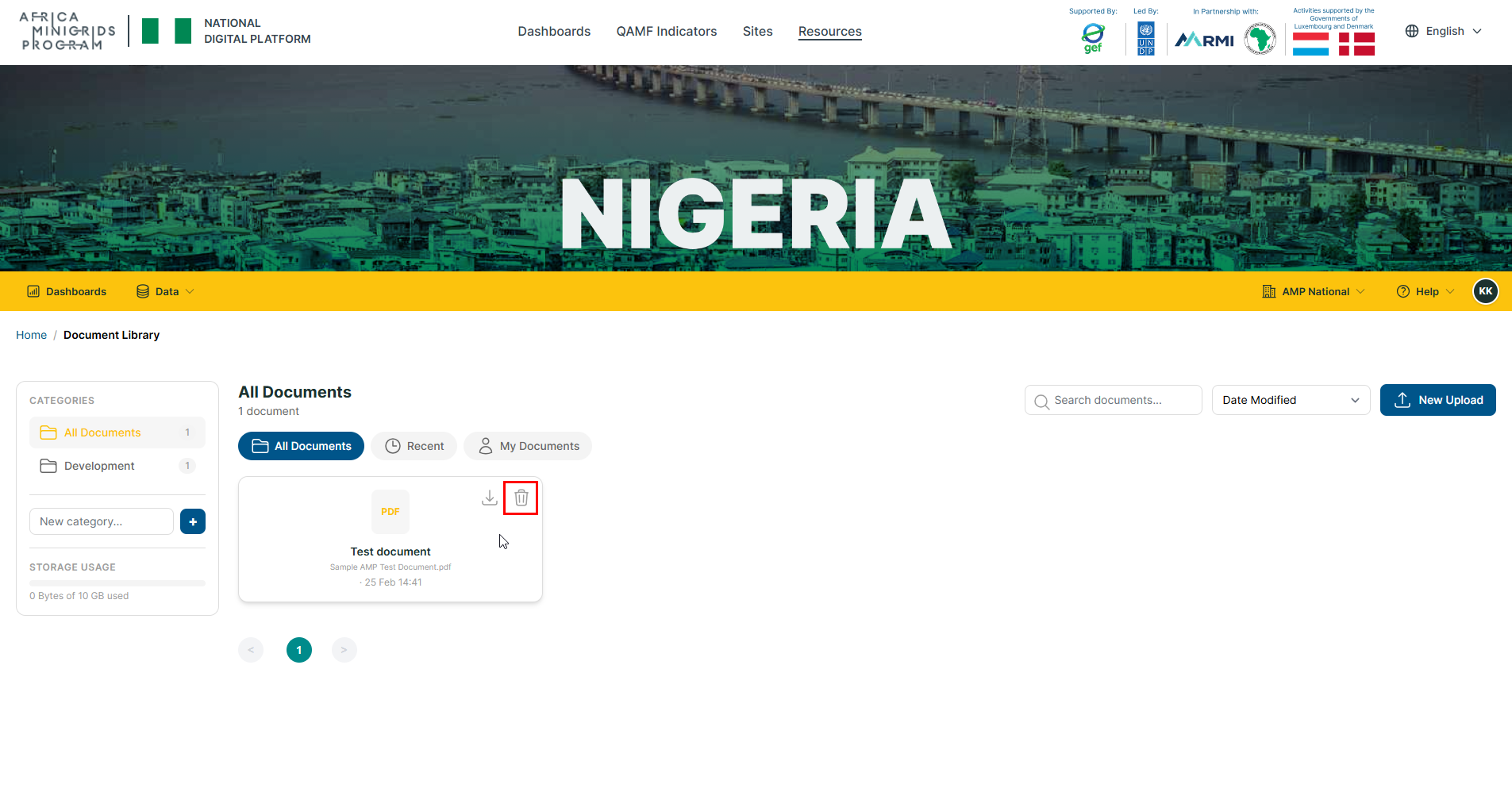
Click the delete button
 , to delete the document.