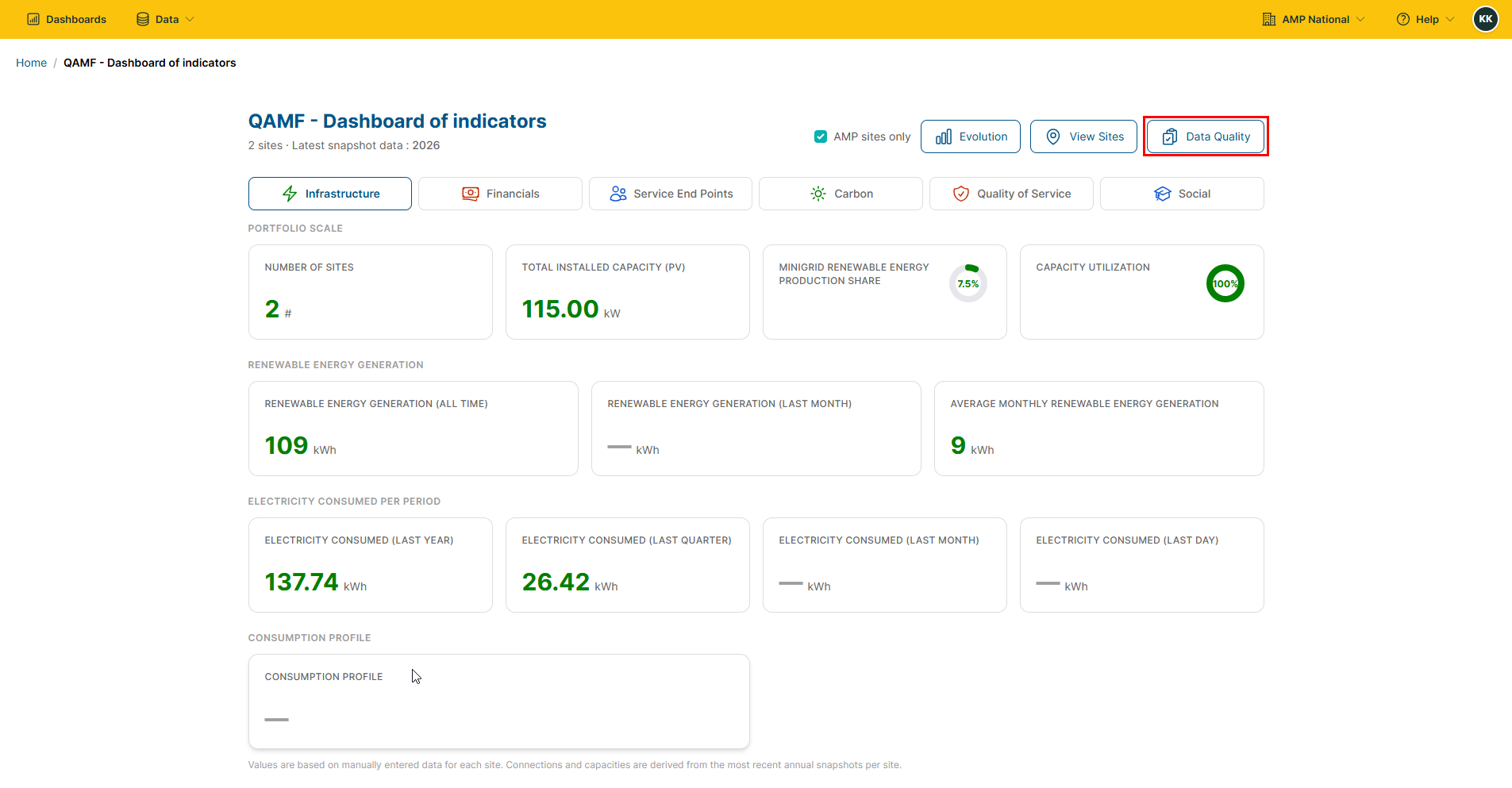


QAMF Indicators#
Dashboard of Indicators#
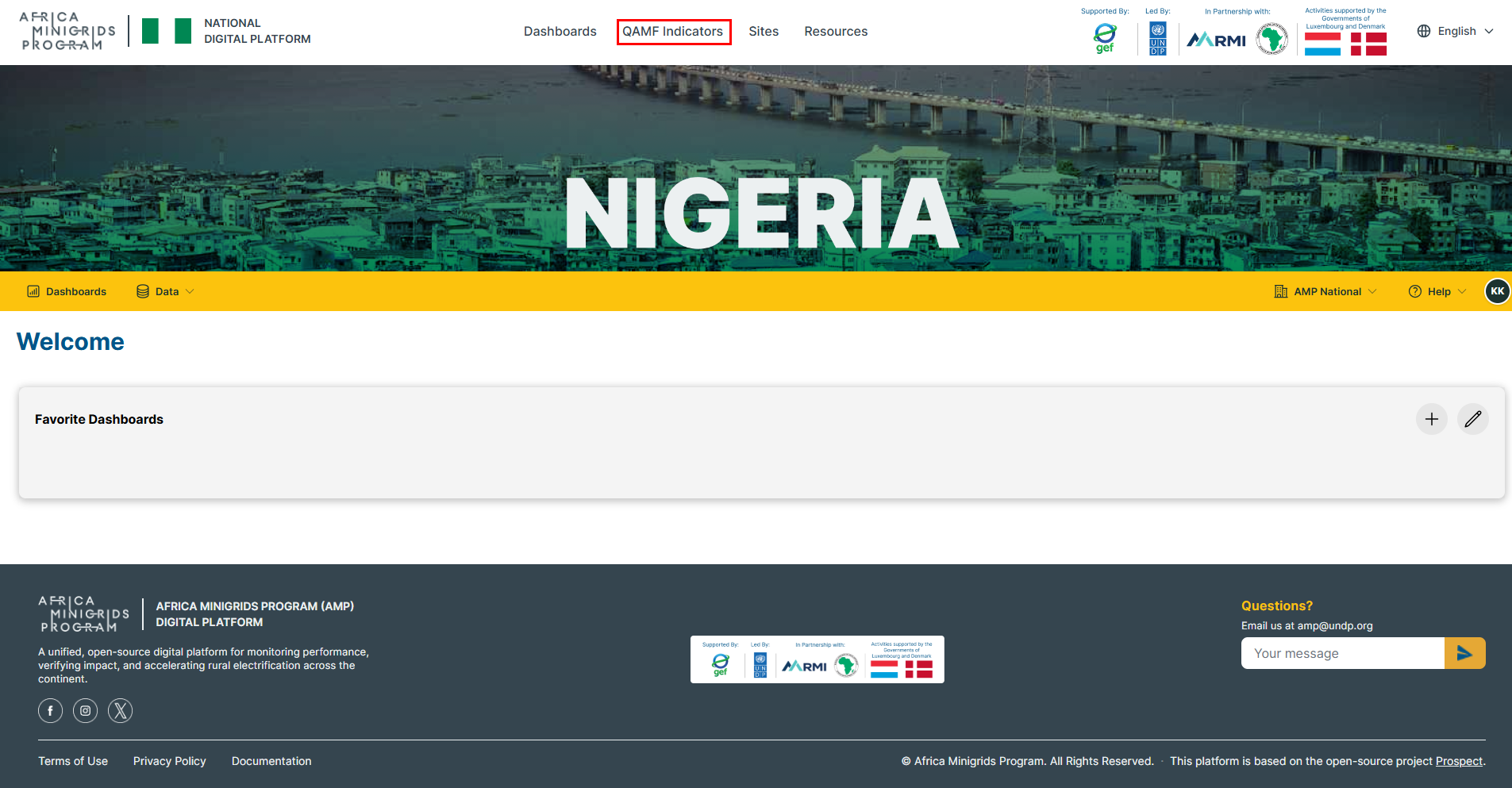
On the homepage, click
QAMF Indicatorsto open the QAMF Dashboard of Indicators.
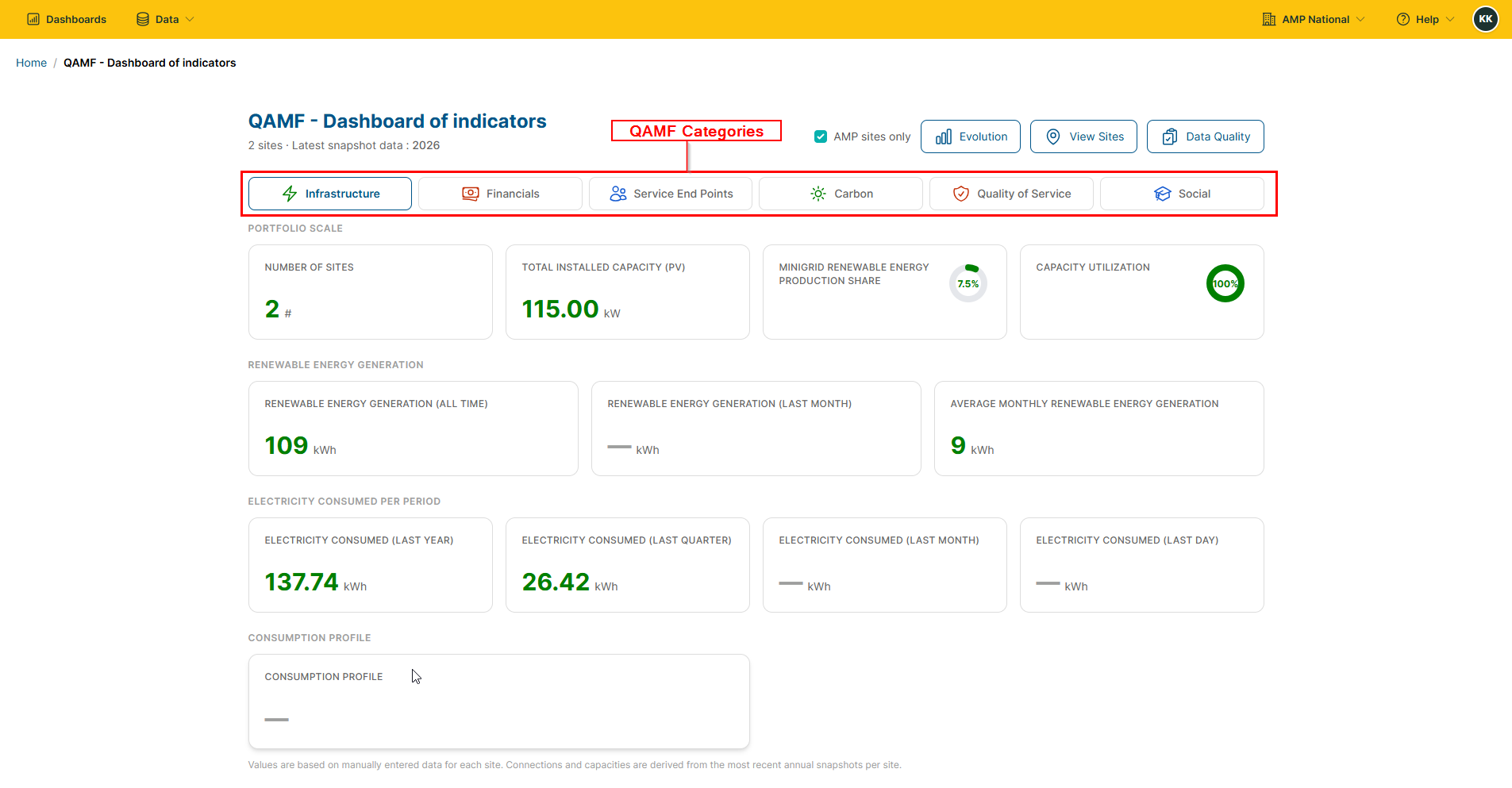
Toggle the QAMF categories, to see the different details across each category.
Indicators Evolution#
On the homepage, click
QAMF Indicatorsto open the QAMF Dashboard of Indicators.
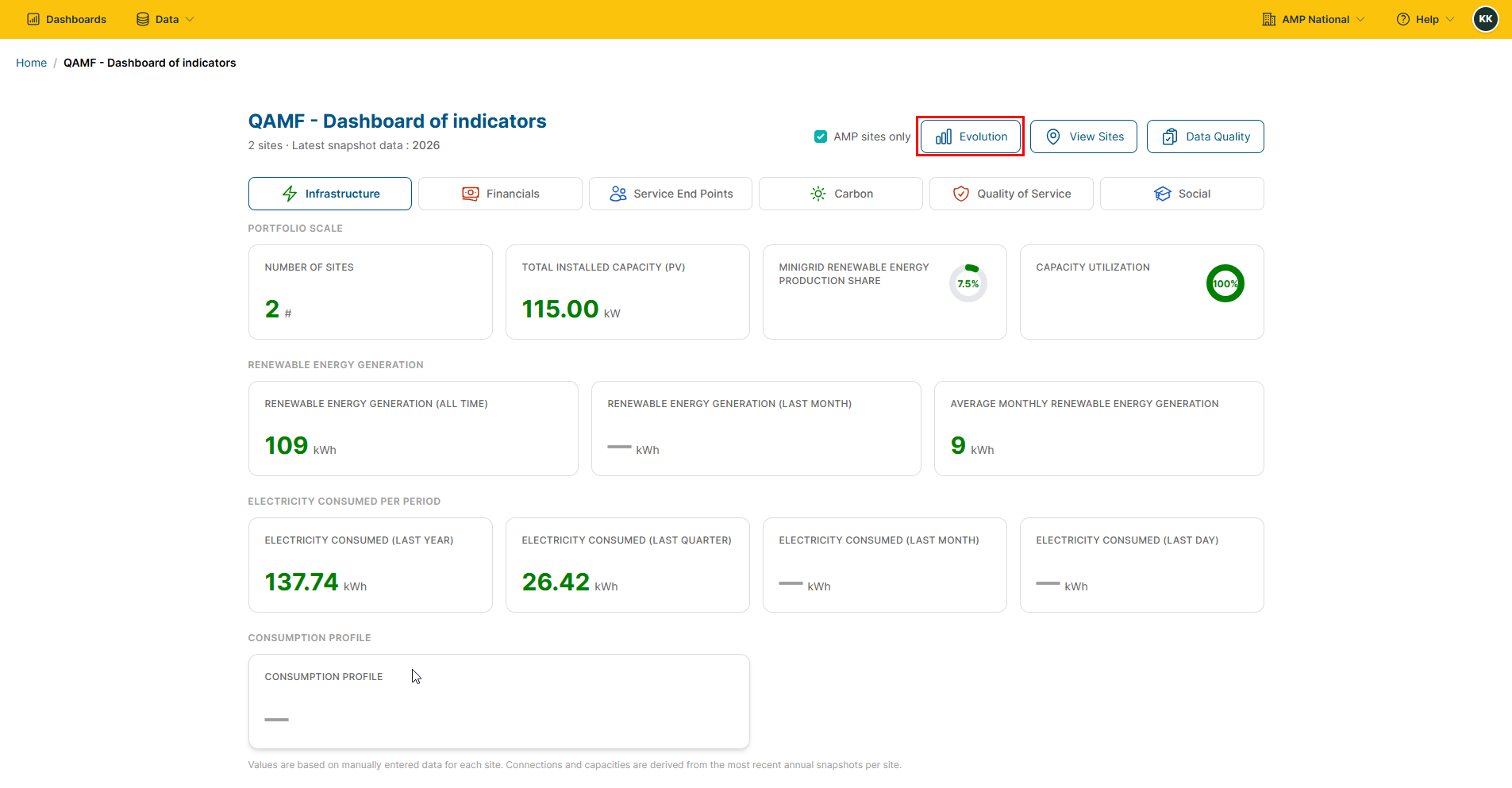
Click the
 button to open the indicators evolution.
Viewing Sites#
On the homepage, click
QAMF Indicatorsto open the QAMF Dashboard of Indicators.
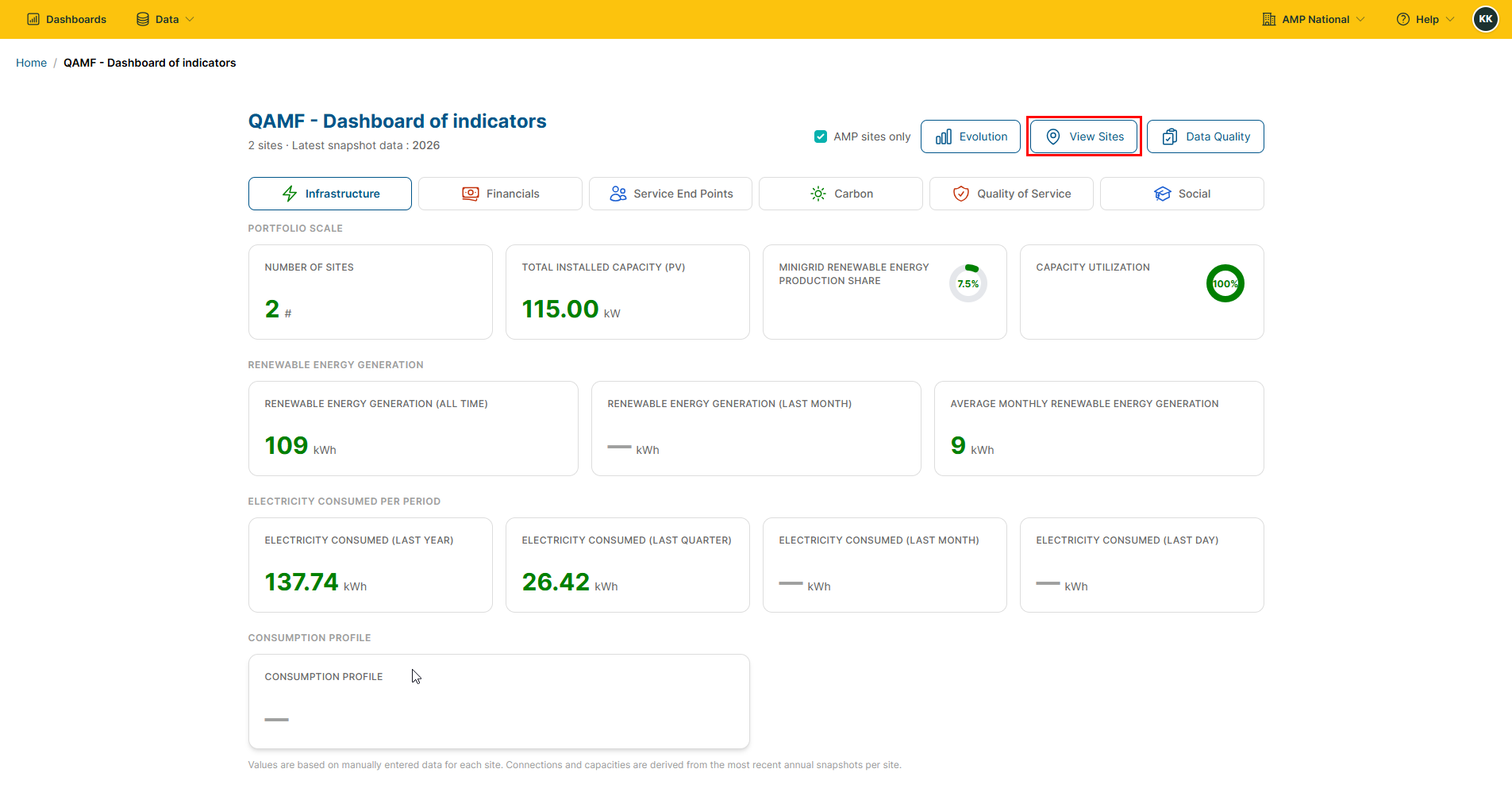
Click the
 button to open the sites page.
Data Quality#
On the homepage, click
QAMF Indicatorsto open the QAMF Dashboard of Indicators.
Click the
 button the data quality associated with the different sites.